

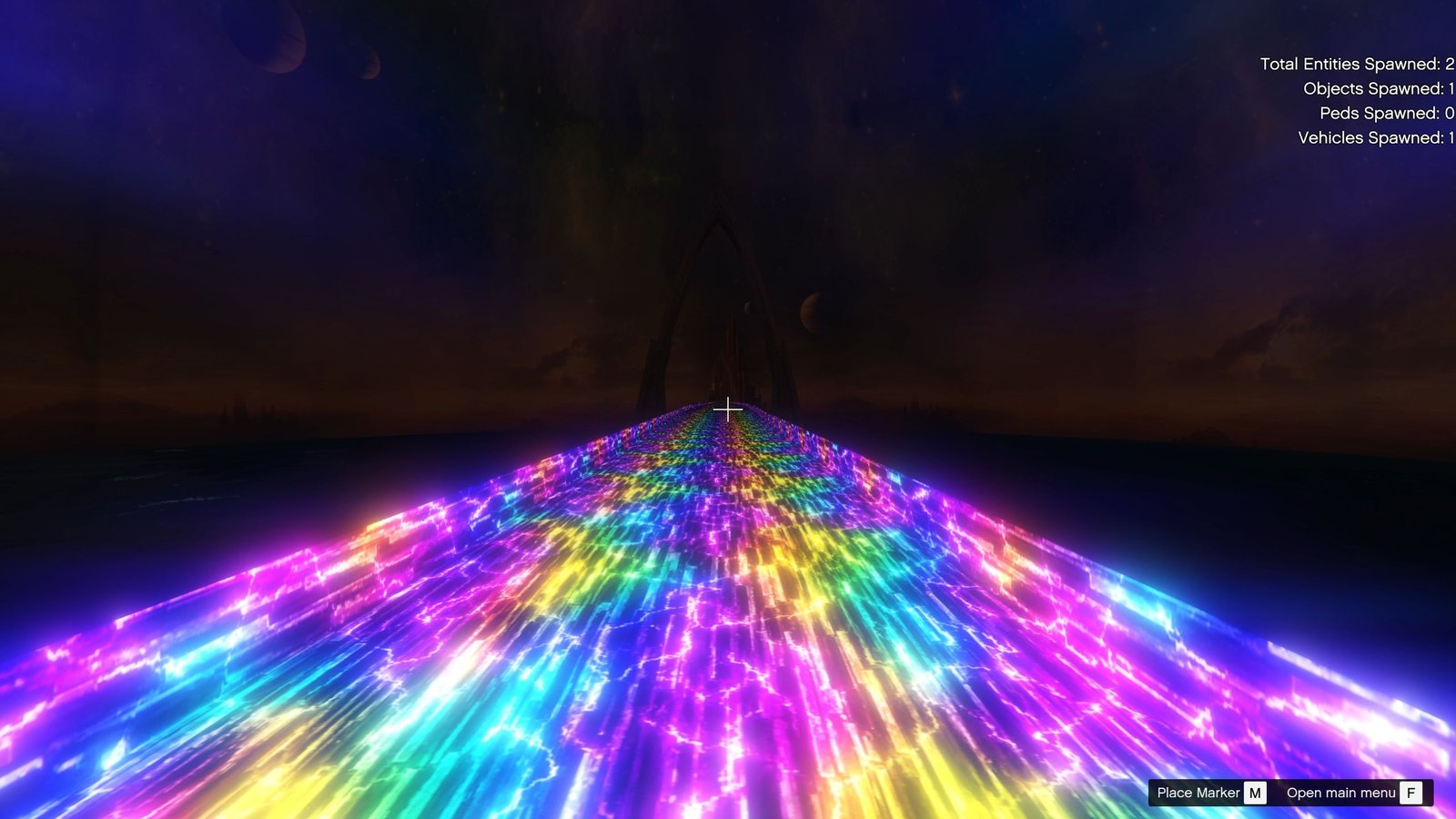
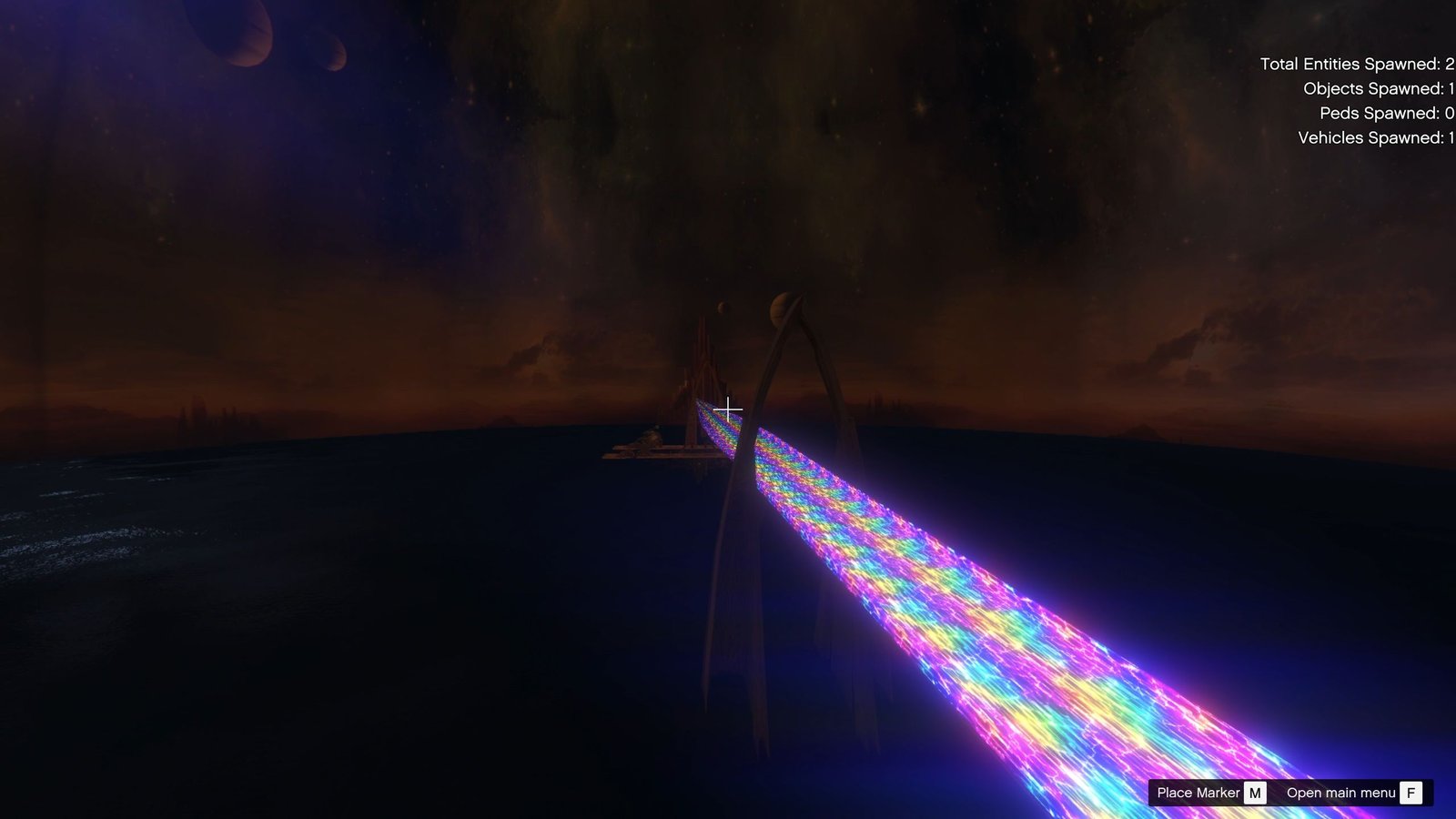
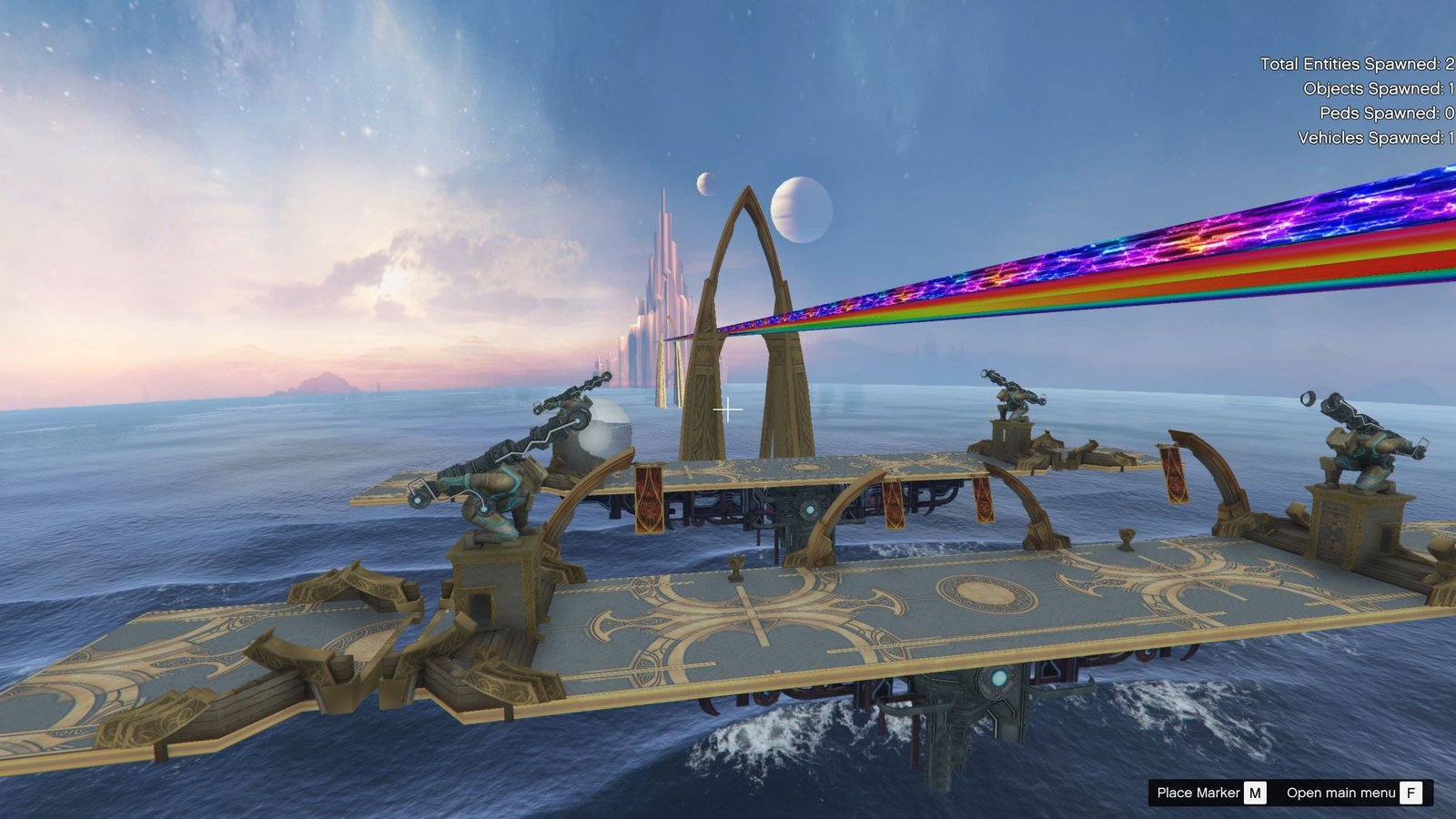
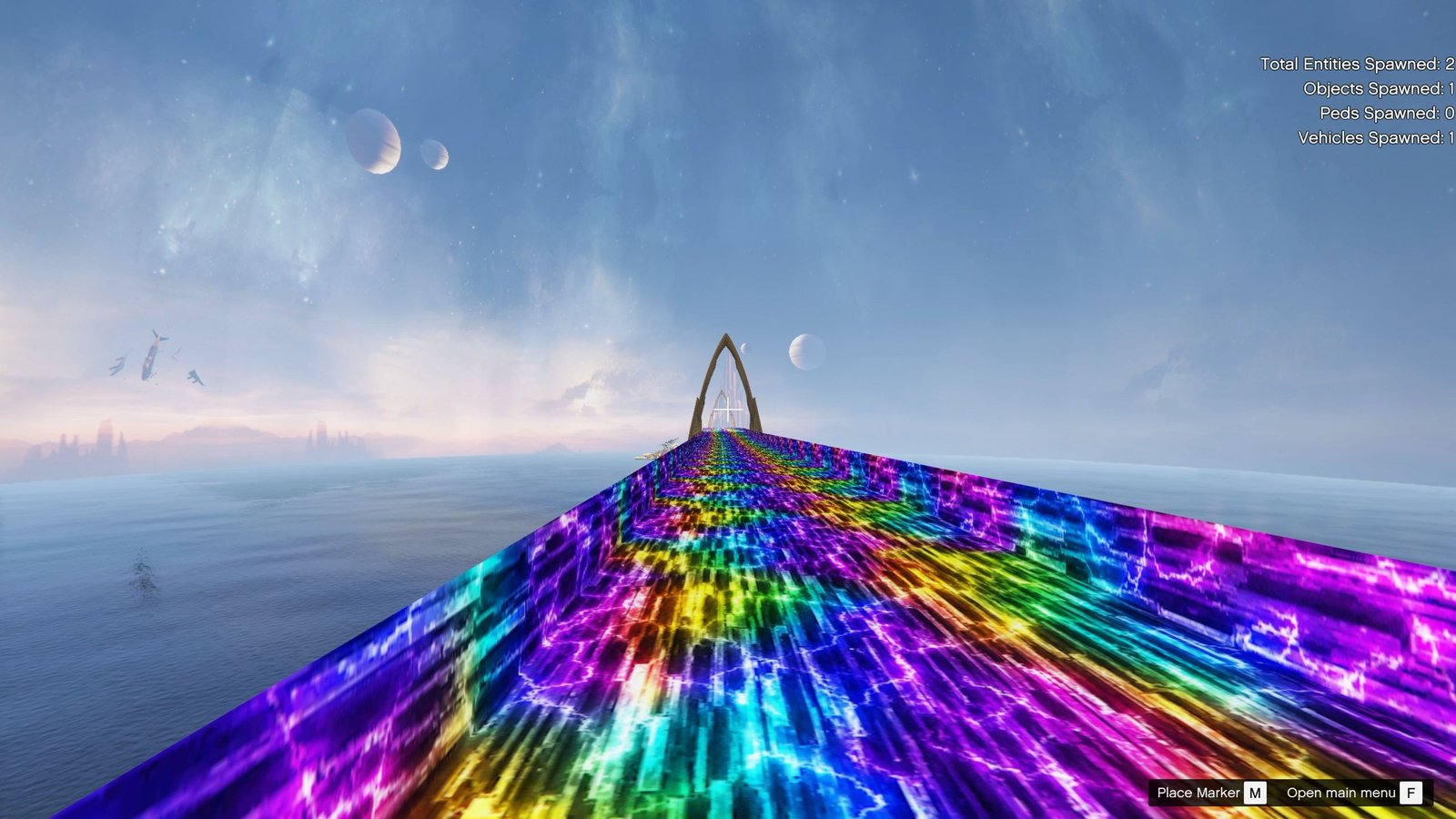
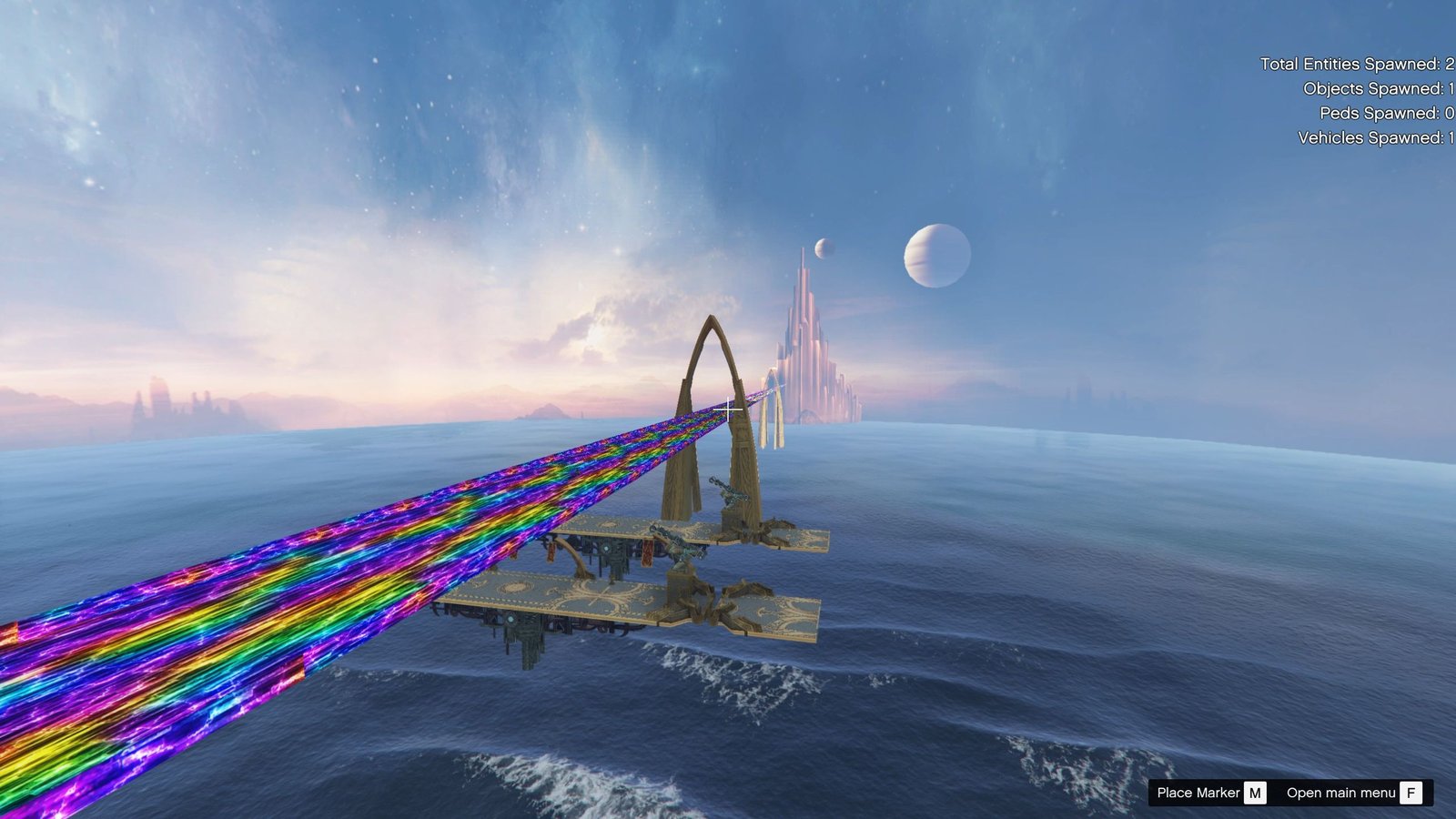
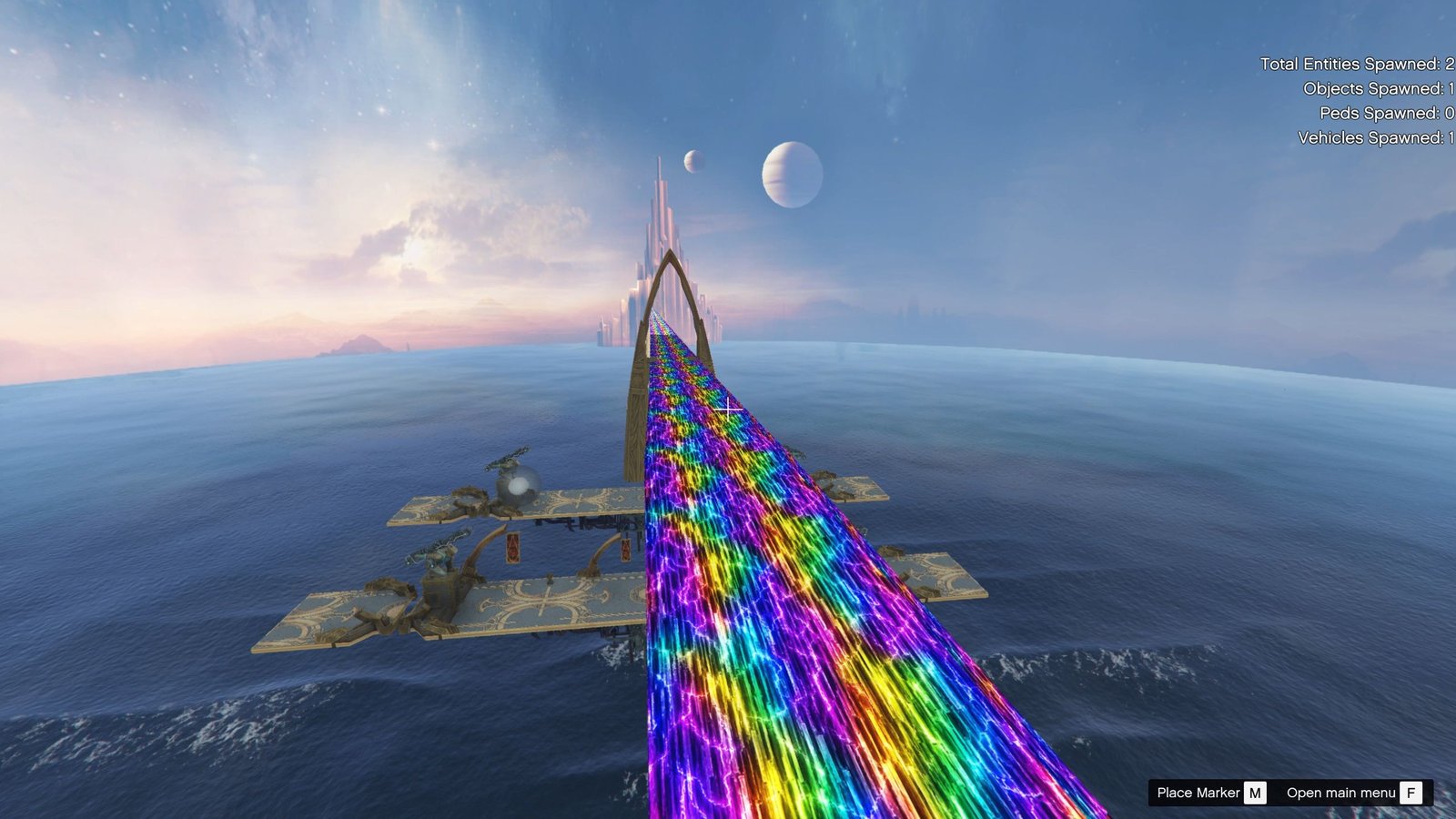
Bring the legendary Asgard Bifrost into GTA 5 with this detailed custom map prop. Inspired by the iconic rainbow bridge from Asgard, this mod is designed to give your GTA 5 scenes, screenshots, videos, and superhero-themed gameplay a powerful cinematic look.
The Bifrost features a detailed bridge design with a colorful energy-style appearance, making it a great addition for Thor, Marvel, Asgard, superhero, cinematic, and fantasy-themed GTA 5 projects.
✨ Features
* 🔥 Detailed Asgard Bifrost Bridge
* 🌈 Colorful Bifrost-style energy effect
* 🏰 Perfect for Asgard and Marvel-themed scenes
* 🎬 Great for GTA 5 videos, screenshots, cinematics and roleplay
* 🧩 Installed as an Add-On Prop
* 💻 Designed for GTA 5 Single Player
* ⚡ Easy to add to your existing mod setup
* 🎮 Can be combined with other custom maps and superhero mods
📦 Installation
This map is installed as an Add-On Prop, so it does not replace an existing GTA 5 map or prop.
Simply follow the included installation instructions and add the provided files to your GTA 5 mod setup. After installation, you can spawn the Bifrost using the appropriate prop-spawning method.
Installation Type: Add-On Prop
Game: GTA 5
Mod Type: Map / Prop
Replacement: ❌ No – Add-On
Single Player: ✅ Yes
🌈 Perfect For
This Asgard Bifrost map is perfect for creating:
* Thor and Marvel GTA 5 videos
* Asgard-themed locations
* Superhero cinematics
* Fantasy roleplay scenes
* GTA 5 screenshots
* Custom story missions
* Marvel character showcases
Bring Asgard to Los Santos
Create your own Asgard in GTA 5 and use the Bifrost as the perfect centerpiece for your superhero scenes. Whether you’re making cinematic videos or simply expanding your GTA 5 mod collection, this custom Bifrost map prop adds a unique fantasy location to your game.
Installation:
You can either replace an in-game prop with it or use the AddonProps mod by Meth0d & Quechus13 found here: https://www.gta5-mods.com/tools/addonprops
Install addon props, https://www.gta5-mods.com/tools/addonprops
Next go to mods > update > x64 > dlcpacks > addonprops > dlc > props
copy or drop the map/prop files into the addonprops folder.
Next, open the Prop Editor and rebuild it using the same mod file name. Remember set texture embedded
After that, go to the Scripts folder, open objectlist, and paste the same mod file name there.
Finally, start your game, open Menyoo, and search for the object name.
Enjoy

Reviews
There are no reviews yet.